
Introduction
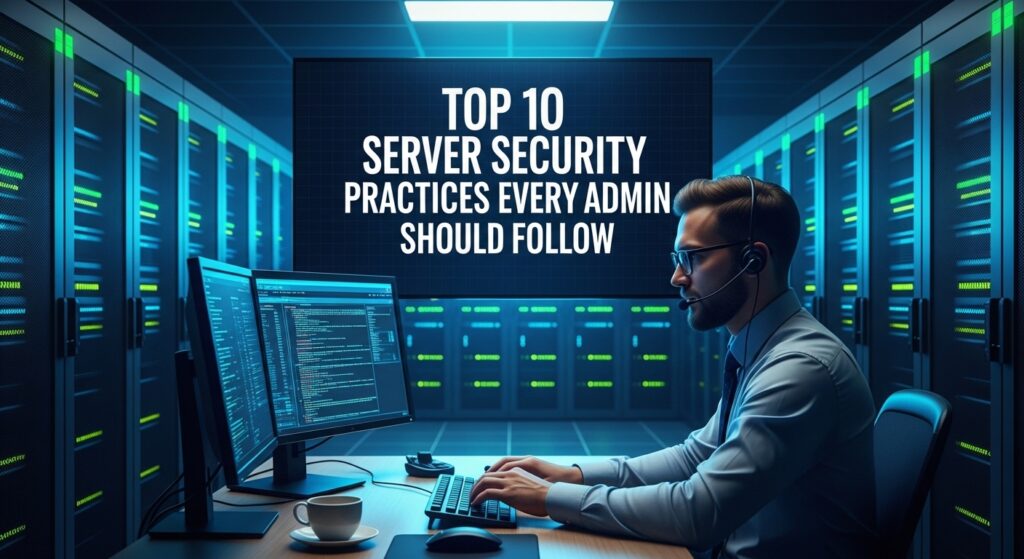
Server security is not a one time task but an ongoing responsibility. Whether you manage a small virtual private server or a large scale infrastructure, protecting your systems from threats should always be a priority. Cyber attacks are constantly evolving, and even a small misconfiguration can expose sensitive data or disrupt services. This guide covers ten essential server security practices every administrator should follow to build a strong and reliable defense.
1 Keep Your System Updated
Regular updates are one of the simplest yet most effective security measures. Operating systems and installed packages frequently release patches to fix vulnerabilities. Delaying updates leaves your server exposed to known exploits. Set a routine to update your system and consider enabling automatic security updates where possible.
2 Use Strong Authentication Methods
Passwords alone are no longer sufficient. Always use strong and complex passwords combined with multi factor authentication where available. For remote access, prefer SSH key based authentication instead of passwords. This significantly reduces the risk of brute force attacks.
3 Configure a Firewall Properly
A firewall acts as the first line of defense. Only allow traffic that is necessary for your services. Common ports like 22 for SSH, 80 for HTTP, and 443 for HTTPS should be carefully controlled. Block all unused ports and regularly review firewall rules to ensure nothing unnecessary is open.
4 Disable Unused Services
Every running service increases your attack surface. Remove or disable any services and applications that are not required. This reduces the number of potential entry points for attackers and improves overall system performance.
5 Implement Least Privilege Access
Users and applications should only have the permissions they absolutely need. Avoid granting administrative privileges unless necessary. By limiting access rights, you reduce the potential damage if an account is compromised.
6 Secure Remote Access
Remote access should always be hardened. Change default ports if appropriate, disable root login, and restrict access to trusted IP addresses. Use tools that monitor login attempts and block suspicious activity automatically.
7 Regularly Monitor Logs
Logs provide valuable insight into what is happening on your server. Monitor authentication logs, system logs, and application logs for unusual behavior. Early detection of suspicious activity can prevent major security incidents.
8 Set Up Intrusion Detection and Prevention
Use intrusion detection systems to monitor and analyze traffic for malicious activity. These tools can alert you to potential threats and in some cases automatically respond by blocking harmful actions.
9 Backup Your Data Frequently
Backups are your safety net. In case of a security breach, hardware failure, or accidental deletion, backups allow you to restore your system quickly. Store backups securely and test them regularly to ensure they work when needed.
10 Encrypt Data in Transit and at Rest
Encryption protects your data from being intercepted or accessed without authorization. Use HTTPS for web traffic and secure protocols for file transfers. Encrypt sensitive data stored on your server to add another layer of protection.
SEO Keywords and Optimization
Primary keywords include server security practices, server hardening, Linux server security, and cybersecurity for admins. Secondary keywords include secure server setup, firewall configuration, SSH security, data encryption, and intrusion detection.
To improve search visibility, use clear headings, include keywords naturally, and structure content for readability. Answer common questions and provide actionable steps. Long form, informative content like this helps improve ranking and user engagement.
Conclusion
Server security requires continuous attention and proactive measures. By following these ten practices, administrators can significantly reduce risks and build a secure environment. Staying informed about new threats and regularly reviewing your setup will ensure your server remains protected over time.