
Introduction
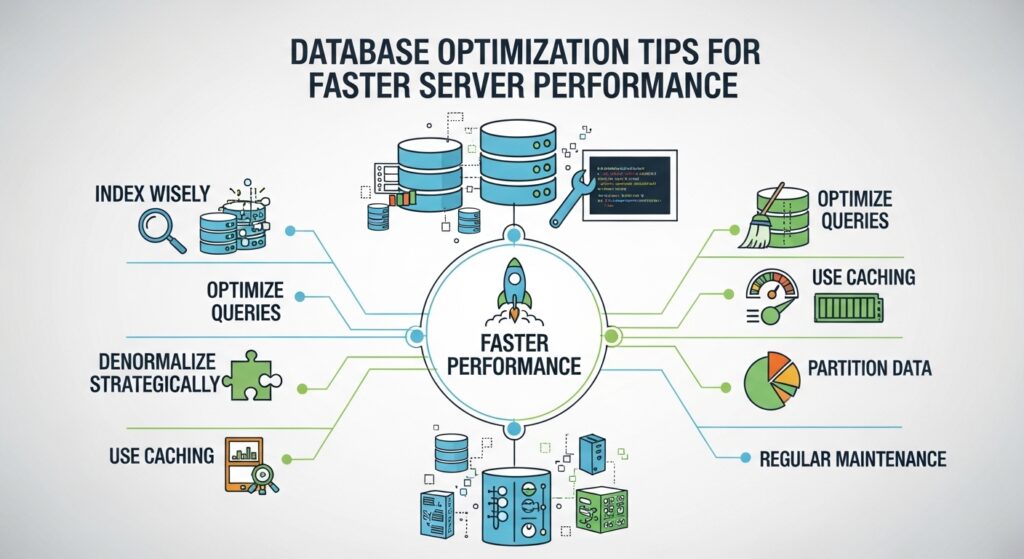
A database is one of the most critical components of any web application. When it is slow or poorly optimized, the entire server suffers. Pages take longer to load, APIs respond slowly, and user experience degrades significantly.
Database optimization focuses on improving query speed, reducing resource usage, and ensuring the system can handle high traffic efficiently. This guide explains practical techniques to optimize your database for faster server performance.
1. Use Proper Indexing
Indexes are one of the most powerful tools for improving database performance. They allow the database to find data quickly without scanning entire tables.
Without indexes, queries become slow as data grows. However, overusing indexes can also slow down write operations. The key is to index only frequently searched columns such as primary keys, foreign keys, and commonly filtered fields.
2. Optimize SQL Queries
Poorly written queries are a major cause of slow databases. Avoid selecting unnecessary columns and use specific queries instead of retrieving entire tables.
Reduce the use of complex joins when possible and avoid running queries inside loops. Efficient query design reduces processing time and server load.
3. Normalize and Denormalize Strategically
Database normalization helps reduce redundancy and improve data consistency. However, too much normalization can lead to complex joins that slow performance.
In high traffic systems, strategic denormalization can improve speed by reducing the number of joins required for frequently accessed data.
4. Use Connection Pooling
Opening and closing database connections repeatedly consumes resources and slows down performance. Connection pooling reuses existing connections instead of creating new ones for every request.
This reduces overhead and improves response time, especially under heavy traffic conditions.
5. Cache Frequently Used Data
Caching reduces the number of direct database queries. Frequently accessed data can be stored in memory using tools like Redis or Memcached.
This significantly improves speed by serving data from memory instead of disk based storage.
6. Limit Data Retrieval
Avoid retrieving large amounts of unnecessary data. Use pagination for large datasets and limit query results using appropriate filters.
This reduces memory usage and improves query execution time.
7. Optimize Database Schema
A well designed schema improves performance and scalability. Choose appropriate data types, avoid overly large columns, and design tables based on query patterns.
Efficient schema design reduces storage overhead and speeds up data access.
8. Archive Old Data
As databases grow, older data can slow down queries. Archiving outdated records into separate tables or storage systems helps keep the active database lightweight and fast.
This is especially important for applications with large historical datasets.
9. Monitor Slow Queries
Most databases provide tools to identify slow queries. Monitoring these queries helps you detect performance bottlenecks.
Once identified, slow queries can be optimized through indexing, rewriting, or restructuring.
10. Use Read Replicas
In high traffic systems, read replicas distribute database load across multiple servers. The primary database handles write operations, while replicas handle read requests.
This improves scalability and reduces pressure on the main database server.
SEO Keywords and Optimization
Primary keywords include database optimization, improve database performance, faster SQL queries, and server performance tuning. Secondary keywords include indexing techniques, query optimization, connection pooling, caching database, and read replicas.
For SEO, use structured headings, clear explanations, and practical examples. Naturally integrate keywords into the content without overstuffing. Focus on solving user problems with actionable insights.
Conclusion
Database optimization is essential for maintaining fast and scalable server performance. By using indexing, optimizing queries, implementing caching, and scaling with replicas, you can significantly improve speed and efficiency. A well optimized database ensures smooth performance even under heavy traffic conditions.