
Introduction
Secure remote access is a critical part of managing any server. One of the safest and most reliable methods is using SSH keys instead of passwords. SSH keys provide stronger protection against brute force attacks and eliminate the need to repeatedly enter login credentials. This guide explains how to properly set up SSH keys for secure server access with clear steps and best practices.
What Are SSH Keys
SSH keys are a pair of cryptographic keys used for authentication. One key is private and stays on your local machine. The other is public and is placed on the server you want to access. When you connect, the server verifies your identity using these keys without requiring a password.
Benefits of Using SSH Keys
Using SSH keys improves security by removing password based logins which are vulnerable to guessing attacks. They also make login faster and more convenient. Once configured, you can securely access your server without typing a password each time.
Step 1 Generate an SSH Key Pair
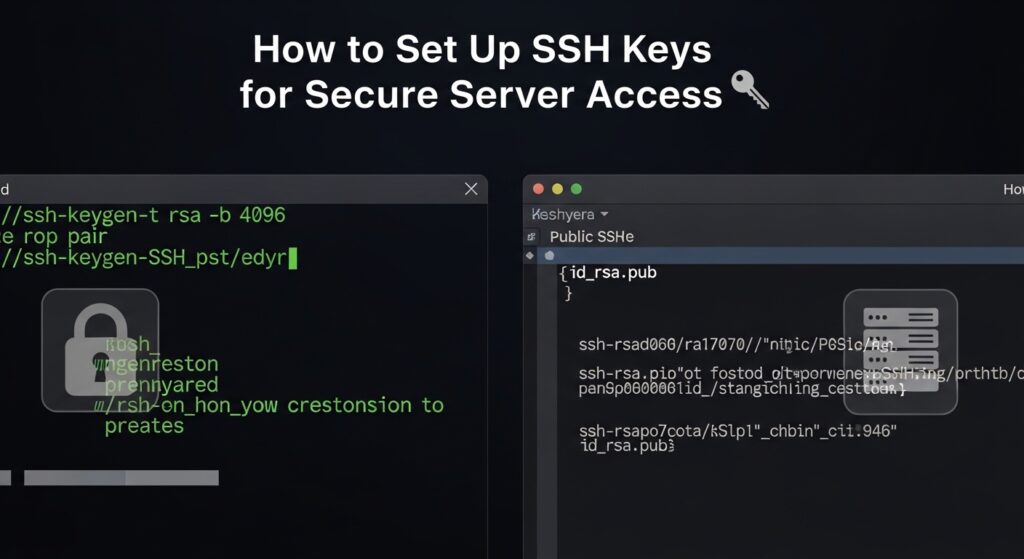
On your local machine, open a terminal and generate a new SSH key pair. Use a strong algorithm such as ed25519. When prompted, you can set a passphrase for an extra layer of security. This ensures that even if your private key is compromised, it cannot be used without the passphrase.
Your system will create two files. The private key which must be kept secure and the public key which can be shared.
Step 2 Copy the Public Key to the Server
Next, transfer your public key to the server. This can be done using a built in command that securely copies the key to the correct location. Alternatively, you can manually paste the public key into the authorized keys file on the server under your user directory.
Ensure the SSH directory and authorized keys file have correct permissions. Improper permissions can cause authentication to fail.
Step 3 Test SSH Key Authentication
Try logging into your server using SSH. If everything is configured correctly, you should be able to access the server without entering your account password. If you set a passphrase, you will be asked to enter it instead.
If login fails, check file permissions and confirm that the public key is correctly placed in the authorized keys file.
Step 4 Disable Password Authentication
Once you confirm that SSH key login works, you can disable password authentication for better security. Edit the SSH configuration file on your server and turn off password based logins. Restart the SSH service for changes to take effect.
This step ensures that attackers cannot attempt password based access even if they know your username.
Step 5 Secure Your Private Key
Your private key should never be shared or stored in insecure locations. Keep it on your local machine and use proper file permissions to restrict access. If possible, use an SSH agent to manage your keys securely.
If your private key is ever exposed, remove the corresponding public key from the server immediately and generate a new key pair.
Advanced Security Tips
Use a non default SSH port to reduce automated attacks. Limit access to specific IP addresses if possible. Install tools that monitor login attempts and block suspicious activity. Regularly review server logs to detect unusual access patterns.
Common Mistakes to Avoid
Avoid leaving password authentication enabled after setting up keys. Do not use weak passphrases or reuse keys across multiple systems without proper management. Never upload your private key to servers or share it with others.
SEO Keywords and Optimization
Primary keywords include SSH keys setup, secure server access, SSH authentication, Linux server security, and key based login. Secondary keywords include disable password SSH, SSH key generation, remote server security, and secure login methods.
To optimize your content, include keywords naturally in headings and throughout the text. Use descriptive headings for each section. Keep paragraphs clear and informative. Ensure your content answers common user questions and provides practical steps.
Conclusion
Setting up SSH keys is one of the most effective ways to secure your server. It reduces the risk of unauthorized access and simplifies authentication. By following these steps and maintaining good security practices, you can ensure safe and reliable remote access to your systems.