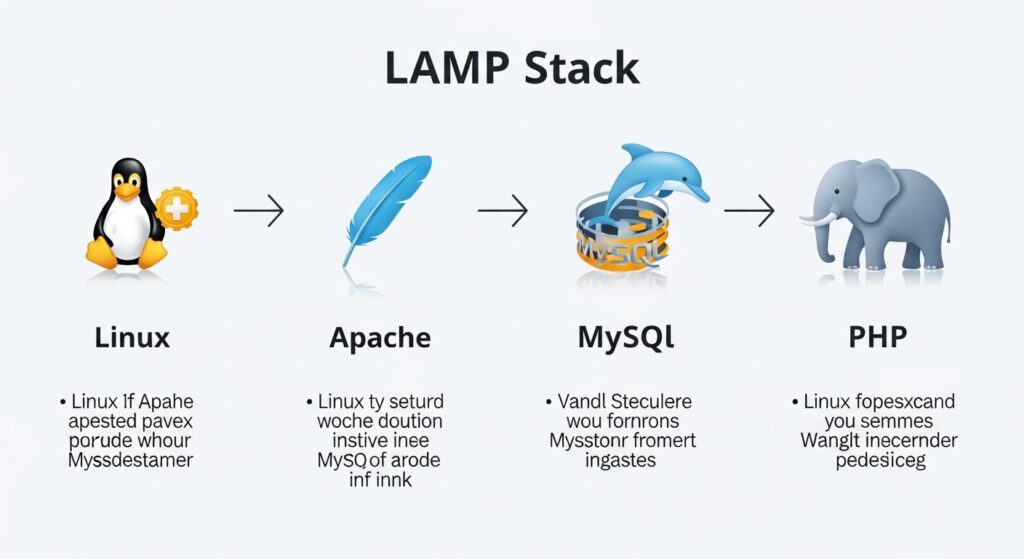

A LAMP stack is one of the most popular ways to run dynamic websites and web applications. The term LAMP stands for Linux, Apache, MySQL, and PHP. Each component plays a specific role. Linux is the operating system, Apache is the web server, MySQL is the database system, and PHP processes dynamic content. This guide walks you through setting up a complete LAMP stack from scratch.
Start with a fresh Linux server. Most beginners prefer Ubuntu Server because it is easy to use and well documented. Once your system is installed and running, log in and update all packages to ensure you have the latest security patches and software versions. This creates a stable base before installing additional components.
The first component to install is Apache. Use your package manager to install it. Once installed, start the Apache service and enable it to run automatically on boot. You can test if Apache is working by opening a browser and entering your server IP address. If everything is set correctly, you will see a default Apache welcome page.
Next, install MySQL which will handle your databases. During installation, you may be prompted to set a root password. Choose a strong password and store it securely. After installation, run the MySQL secure installation script. This helps you remove anonymous users, disable remote root login, and delete test databases. These steps significantly improve your database security.
Now it is time to install PHP. PHP integrates with Apache to process dynamic web pages. Install PHP along with commonly used extensions such as those for MySQL, XML, and multibyte string handling. After installation, restart Apache so it can load the PHP module.
To confirm that PHP is working correctly, create a simple test file in your web root directory. Add a PHP info function inside the file and access it through your browser. If configured properly, you will see a detailed page showing your PHP setup and enabled modules.
Once all components are installed, you can connect PHP with MySQL. This allows your web applications to store and retrieve data. Create a sample database and user in MySQL, then write a simple PHP script to connect to the database and display some data. This confirms that your full stack is working together.
Security should be addressed before moving to production. Set proper file permissions for your web directory so only necessary users can modify files. Configure a firewall to allow web traffic while blocking unnecessary ports. It is also a good idea to disable directory listing in Apache and hide sensitive server details.
You may also want to configure virtual hosts in Apache. Virtual hosts allow you to host multiple websites on a single server. Each site can have its own domain name and directory. This is especially useful if you plan to run multiple projects on one machine.
For better performance, consider enabling caching and compression. Apache modules can help reduce load times and improve user experience. You can also optimize MySQL by adjusting configuration settings based on your server resources.
Backups and monitoring should be part of your routine. Regularly back up your database and website files. Monitor server logs to catch errors or suspicious activity early. Automation tools can help you schedule these tasks without manual effort.
Setting up a LAMP stack is a foundational skill for web development and server management. Once you understand how each component works and interacts, you can expand your setup with additional tools and frameworks. With proper maintenance and security practices, your LAMP server can reliably power websites and applications of all sizes.